
ChatBot: How to create a ChatBot; test its features
1. Navigate to your First Timers dashboard

2. Click "Create a ChatBot"

3. Click this text field.

4. Choose a name

5. Click the "Select Brand" field.

6. Select which brand you'd like to use

7. Click the "Select color" field.

8. Choose Color

9. Choose a font, select a font

10. Choose an Avatar

11. Click to Upload Image

12. Choose which location(s) you want to use

13. Choose your objective (answer questions or custom booking)

14. Click the "Enter hello message" field; enter the intro message of your choice

15. Click "Save"

16. Click "Preview"

17. Click "Start Preview", then demo your ChatBot as you see fit.

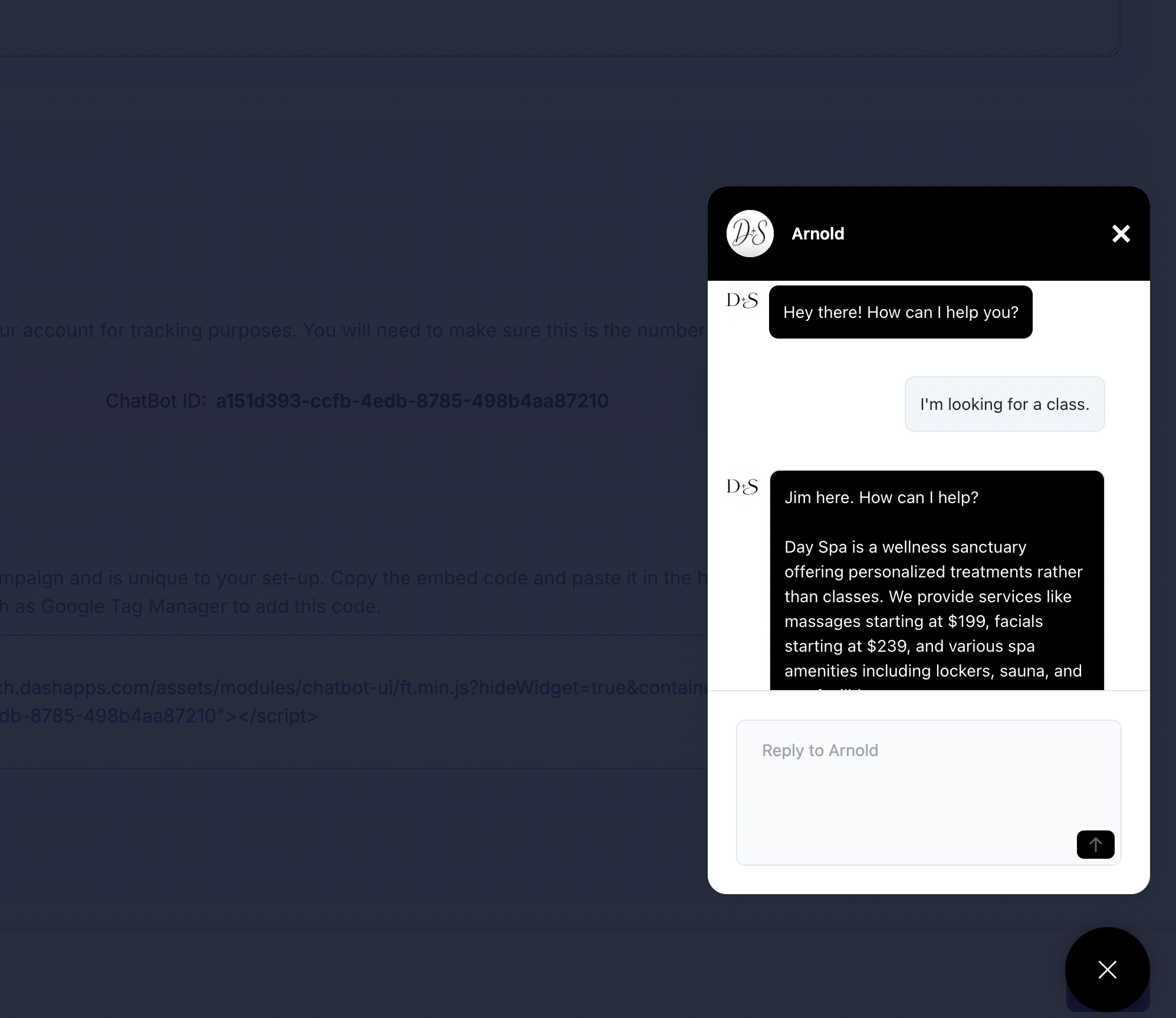
- When finished, click "X" icon the button below the Chatbot. After the Preview, Click "Close"

19. Click "Save"
